
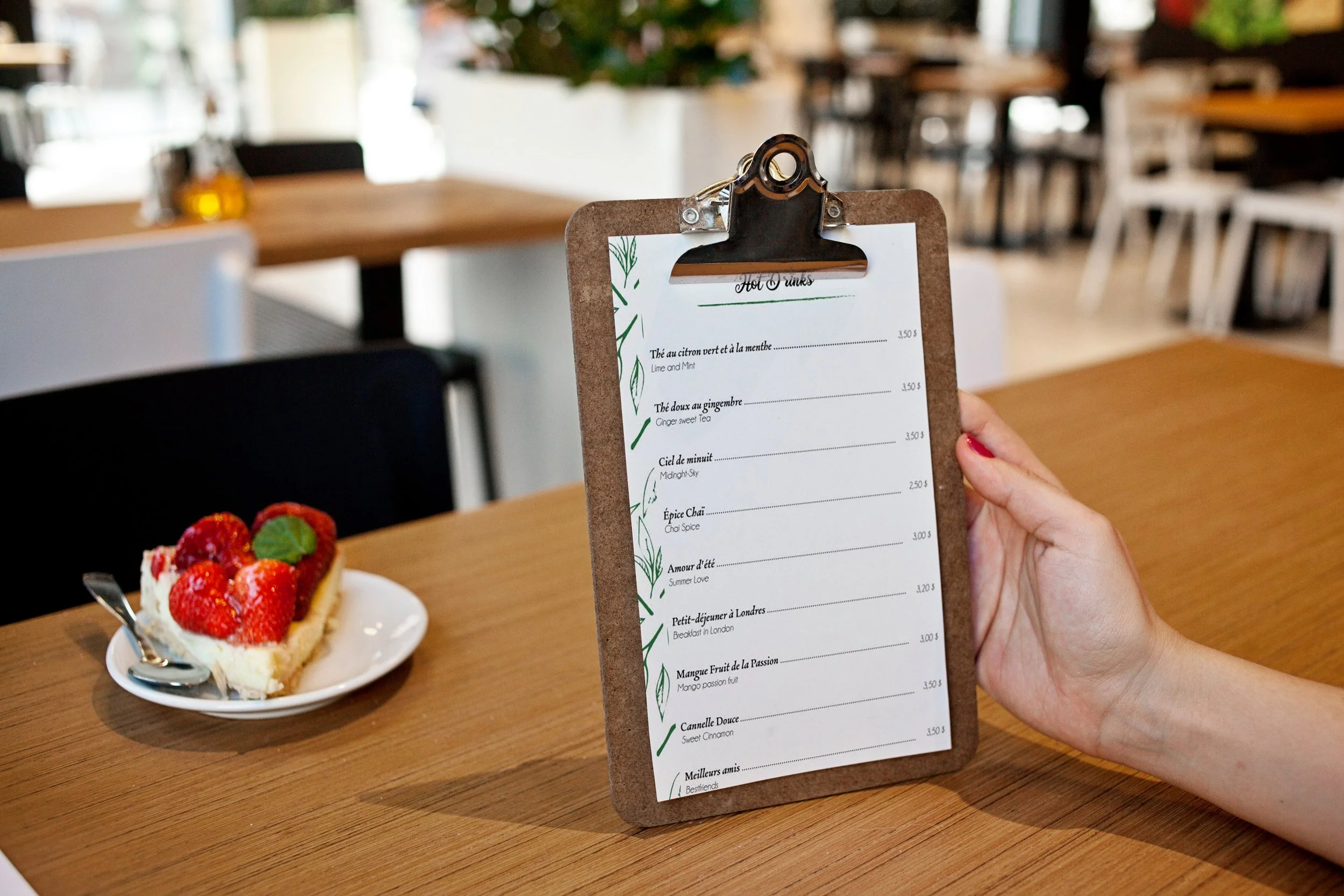
A well-designed menu is still the highest-converting piece of marketing inside any restaurant. (Photo: Taliab Designs)
A menu is the only piece of marketing every single customer is guaranteed to read. Not your Instagram, not your website — your menu. In my five years designing for restaurants, I have seen a redesigned menu lift average order value within weeks, and I have seen a cluttered, photocopied menu quietly cost a restaurant thousands every month. That is why finding the best AI tools for restaurant menu design matters: the right tool lets even a small restaurant produce a menu that looks like it came from an agency.
In this guide, I have tested the AI menu tools that are actually worth your time in 2026 — the general design platforms with AI features, the restaurant-specific menu builders, and the AI image tools that can transform your food photography. I will be honest about what is free, what is worth paying for, and what AI still cannot do for you.
Why Menu Design Matters More Than Most Restaurants Think
Before the tools, a quick word on why this deserves your attention. Menu engineering research has consistently shown that layout, descriptions, and pricing presentation influence what customers order and how much they spend. A few principles I apply to every menu I design:
- The eye goes to the top-right first. That is where your highest-margin signature dish belongs.
- Descriptions sell, not just inform. "Grilled chicken" does nothing; "charcoal-grilled chicken marinated overnight in smoked spices" makes mouths water.
- Price presentation matters. Removing currency symbols and avoiding long price columns reduces "price pain" — customers order more freely.
- Less is more. A menu with 80 items paralyzes choice. A focused menu with 25 great items sells better.
AI tools do not replace these principles — they help you execute them faster and more professionally. Now, the tools.
The Best AI Tools for Restaurant Menu Design: My Tested Shortlist
I evaluated each of these tools on real restaurant projects: how fast they produce a usable menu, template quality, AI assistance that actually helps, print and digital output, and honest pricing. Here is where each one stands.
1. Canva (Magic Design) — Best for Beginners
Canva remains the easiest starting point, and its Magic Design AI feature changed the game for menu work. Type a prompt like "elegant Pakistani BBQ restaurant menu, dark background, gold accents" and Magic Design generates several complete layout options in seconds. The Magic Write assistant can draft dish descriptions, and the background remover cleans up food photos with one click.
Strengths: enormous template library including hundreds of restaurant menu templates; intuitive drag-and-drop; Magic Design generates full layouts from a text prompt; brand kit keeps your colors and fonts consistent across menus, social posts, and flyers.
Limitations: templates can look generic if you do not customize them — half the restaurants in your city may be using the same base design. Print color management is basic; for high-end offset printing, a designer should still check the files.
Pricing: generous free tier (plenty for a simple menu); Canva Pro is around $15/month and unlocks Magic Design's full power, background remover, and brand kit. For most small restaurants, the free tier plus careful customization is enough to start.
2. Adobe Express — Best for Brand Consistency
Adobe Express is Adobe's answer to Canva, and its AI features (powered by Firefly) are deeply integrated. What sets it apart for restaurant work is brand consistency: if your restaurant already has a logo, colors, and fonts, Express applies them across your menu, social posts, and signage automatically. The text-to-image generation can create backgrounds and decorative elements in your brand style.
Strengths: excellent Firefly-powered generative fill and text effects; strong typography controls (better than Canva for refined, upscale menus); seamless if you already use Adobe products.
Limitations: smaller restaurant-template library than Canva; the AI image generation is stylized — great for backgrounds, not for photorealistic food shots you would put next to a dish name.
Pricing: free tier available; Premium is around $10/month. Good value if brand consistency across all your materials matters to you.
3. MustHaveMenus — Best Restaurant-Specific Templates
MustHaveMenus is built exclusively for the food industry, and it shows. Instead of generic design templates adapted for restaurants, you get thousands of templates designed specifically for menus — by cuisine type, by format (trifold, single-page, table tent, QR digital), and by style. The AI-assisted customization suggests layouts based on your restaurant type.
Strengths: the most restaurant-focused template library anywhere; built-in printing service (design online, get professional prints shipped); easy menu updates — change a price once and it reflects everywhere.
Limitations: less design freedom than Canva or Express — you work within their template system; the AI features are lighter than the general-purpose platforms.
Pricing: free to design with watermarked downloads; paid plans (around $20-30/month) unlock watermark-free downloads and the print service. Worth it if you reprint menus seasonally.
4. iMenuPro — Best for Print-Ready Menus
iMenuPro is the specialist's choice: a menu builder focused on producing genuinely print-ready files. While Canva is great on screen, iMenuPro thinks in terms of paper sizes, bleed, and professional printing from the start. Its newer AI layout assistant helps arrange items for optimal flow and readability.
Strengths: professional print output (correct bleeds, high resolution); sensible menu-specific layout logic; good for multi-page menus and wine lists.
Limitations: the interface feels dated compared to Canva; smaller template variety; AI features are basic compared to the bigger platforms.
Pricing: free trial available; paid plans start around $15/month. Best for restaurants that print premium physical menus and want them done right.
5. MenuTiger — Best for QR Digital Menus
MenuTiger (by QR Tiger) takes a different approach: it is built for interactive QR code menus. Customers scan, browse a mobile-optimized digital menu, and see photos, descriptions, and prices. Its AI features help generate dish descriptions and suggest menu organization, and the analytics show you which items get viewed most — real data for menu engineering.
Strengths: purpose-built for QR/digital menus; no app download needed for customers; multi-language support (valuable for Gulf restaurants serving diverse customers); view analytics per dish.
Limitations: it is a digital-menu platform, not a print design tool — you will still need Canva or similar for physical menus; the design customization is functional rather than beautiful.
Pricing: free tier with MenuTiger branding; paid plans (from $17/month) remove branding and unlock analytics. If QR menus are your primary format, this is the most complete option.
6. Midjourney & Adobe Firefly — Best AI Food Photography
Here is the tool category most restaurant owners overlook: AI-generated food imagery. Professional food photography costs hundreds per shoot. Midjourney can generate stunning, appetizing dish photos from a text prompt — "overhead shot of chicken biryani in a traditional handi, steam rising, restaurant lighting, photorealistic" — and Adobe Firefly (commercially safe for business use) offers similar capability with clearer licensing.
Strengths: Midjourney produces the most photorealistic food images of any AI tool I have tested; Firefly is trained on licensed content, making it safer for commercial restaurant use; both can generate consistent visual styles across your whole menu.
Limitations: AI food images must be used honestly — never present an AI image as a photo of your actual dish if it looks materially different; that erodes trust. Fine for backgrounds, category headers, and promotional graphics; be careful with individual dish photos.
Pricing: Midjourney starts around $10/month; Firefly is included with Adobe Express Premium or available via Creative Cloud. My rule: use AI images for atmosphere and design elements, real photos for signature dishes.
Comparison Table: Best AI Tools for Restaurant Menu Design at a Glance
| Tool | Best For | Key Strength | Price |
|---|---|---|---|
| Canva (Magic Design) | Beginners & small restaurants | AI layout generation from text prompts; huge template library | Free tier; Pro ~$15/mo |
| Adobe Express | Brand consistency | Firefly AI + automatic brand kit application | Free tier; Premium ~$10/mo |
| MustHaveMenus | Restaurant-specific templates | Thousands of cuisine-specific menu templates + print service | Free with watermark; ~$20-30/mo paid |
| iMenuPro | Print-ready menus | Professional print output with correct bleeds | Trial free; from ~$15/mo |
| MenuTiger | QR digital menus | Mobile QR menus with per-dish analytics | Free with branding; from $17/month |
| Midjourney / Firefly | AI food photography | Photorealistic dish and atmosphere imagery | From ~$10/mo |
Practical Tips: Getting Real Results from AI Menu Tools
Tools alone do not make a great menu. Here is how I combine AI assistance with proven menu psychology on real client projects.
Using AI for Menu Descriptions
This is the highest-ROI use of AI in menu design. Feed any AI writing assistant (ChatGPT, Claude, or Canva's Magic Write) your plain dish list and ask it to rewrite each item as an appetizing 15-20 word description. Give it your cuisine style and tone: "Rewrite these Pakistani BBQ dishes as premium menu descriptions, sensory language, under 20 words each."
Then edit ruthlessly. AI drafts are starting points, not final copy. Fix anything that sounds generic, verify every ingredient claim is accurate, and read each description aloud — if it does not make you hungry, rewrite it. In my experience, AI gets you 70% of the way in seconds; your judgment covers the last 30%.
Pricing Psychology That Works
AI layout tools will place your prices wherever the template dictates, but you should control pricing presentation:
- Drop the currency symbols. "450" feels smaller than "Rs 450" or "AED 450". Research supports this.
- Never align prices in a column. A neat right-hand price column invites price-scanning instead of dish-reading. Nestle each price at the end of its description.
- Use decoy pricing. Place a premium signature dish near (not next to) mid-range items — it makes everything else feel reasonable.
- Charm pricing selectively. 449 vs 450 works for casual dining; fine dining should use round numbers (1200, not 1199).
QR Digital Menus Done Right
QR menus are standard now, but most restaurants do them badly. A few rules from experience:
- Mobile-first, always. Design for a phone screen, not a desktop. Large tap targets, readable fonts at arm's length.
- Photos for every category header, not every dish. A full photo menu loads slowly and looks cluttered; category-level imagery with clean dish listings performs better.
- Keep it updated. The biggest advantage of digital is instant updates — a QR menu with last year's prices is worse than no QR menu.
- Always have a physical backup. Phones die, internet fails. Keep a few printed menus for those moments.
What AI Still Cannot Do (An Honest Note)
After five years in this business, here is my honest take on AI's limits in menu design. AI cannot taste your food, so it cannot know which dish deserves the spotlight — that requires your judgment. AI does not understand your specific customers; a menu for office lunch crowds needs different psychology than one for family dinner crowds. And AI-generated layouts still need a human eye for hierarchy: I have seen AI menus that look beautiful but bury the restaurant's best dishes on page three.
The best workflow I have found: AI for speed (layouts, first-draft descriptions, image assets), human expertise for strategy (what goes where, what gets emphasized, what gets cut). Restaurants that understand this combination will out-menu everyone still doing it the old way.
Frequently Asked Questions
What is the best AI tool for restaurant menu design for beginners?
Canva with Magic Design. It is free to start, generates complete menu layouts from a text description, and has the largest template library. A beginner can produce a professional-looking menu in an afternoon. Upgrade to Pro (~$15/month) when you need the background remover and brand kit.
Can AI design a complete restaurant menu automatically?
Mostly, but not entirely. AI tools like Canva's Magic Design and MustHaveMenus can generate layouts, suggest dish arrangements, and draft descriptions. However, you still need to apply menu psychology (item placement, pricing presentation), verify accuracy, and customize the design so it does not look like a template. Think of AI as a fast junior designer, not a replacement for decisions.
Are AI-generated food photos okay to use on a menu?
For backgrounds, category headers, and promotional graphics — yes, especially with commercially-licensed tools like Adobe Firefly. For individual dish photos, be cautious: if the AI image looks significantly better or different from the actual dish, customers feel misled. My rule is real photos for signature dishes, AI imagery for atmosphere and design elements.
How much does AI menu design software cost?
You can start free: Canva, Adobe Express, and MenuTiger all have usable free tiers. For a professional setup, budget $10-30/month for one primary tool. That is dramatically cheaper than hiring a designer for each menu update (typically $100-500 per menu), and you can update prices and items yourself anytime.
What is the best tool for QR code digital menus?
MenuTiger is the most complete QR-menu platform, with mobile-optimized menus, multi-language support, and analytics showing which dishes get viewed most. For a simpler approach, you can also design a digital menu in Canva and link it via any free QR generator — but you lose the analytics and easy updating.
Should I hire a designer or use AI tools for my restaurant menu?
For most small to mid-size restaurants, AI tools plus the tips in this guide will produce a menu better than 80% of what is out there. Hire a designer when: you are a fine-dining restaurant where the menu is part of the luxury experience, you need complex multi-page menus with custom illustration, or you are rebranding entirely. Even then, use AI tools to prototype ideas before the designer starts — it saves everyone time and money.
Conclusion
The best AI tools for restaurant menu design in 2026 are not about replacing designers — they are about giving every restaurant owner access to professional-quality menu design at a fraction of the traditional cost. Start with Canva's Magic Design for layouts, use AI writing for descriptions, add MenuTiger if QR is your format, and bring in Midjourney or Firefly for visual richness.
But remember the principle I started with: your menu is the one piece of marketing every customer reads. The tool gets you speed; the strategy — placement, descriptions, pricing psychology — is what turns readers into higher spenders. Combine both, and your menu becomes what it should be: your hardest-working employee.
What is the biggest challenge with your current menu? Let me know in the comments — I read every one.